

Webcam Model Equipment Checklist
A strong webcam model setup does not need to be complicated, but it should be private, reliable, clean, and comfortable. This checklist helps new I-CAMZ applicants prepare before their first stream.
Who this guide is for
This guide is for new webcam models who want to know what equipment and room setup they should have before applying or going live.
Why this matters
Better setup can improve first impressions, reduce technical problems, protect privacy, and help new models feel more confident during the first stream.
Build a Look That Gets Attention
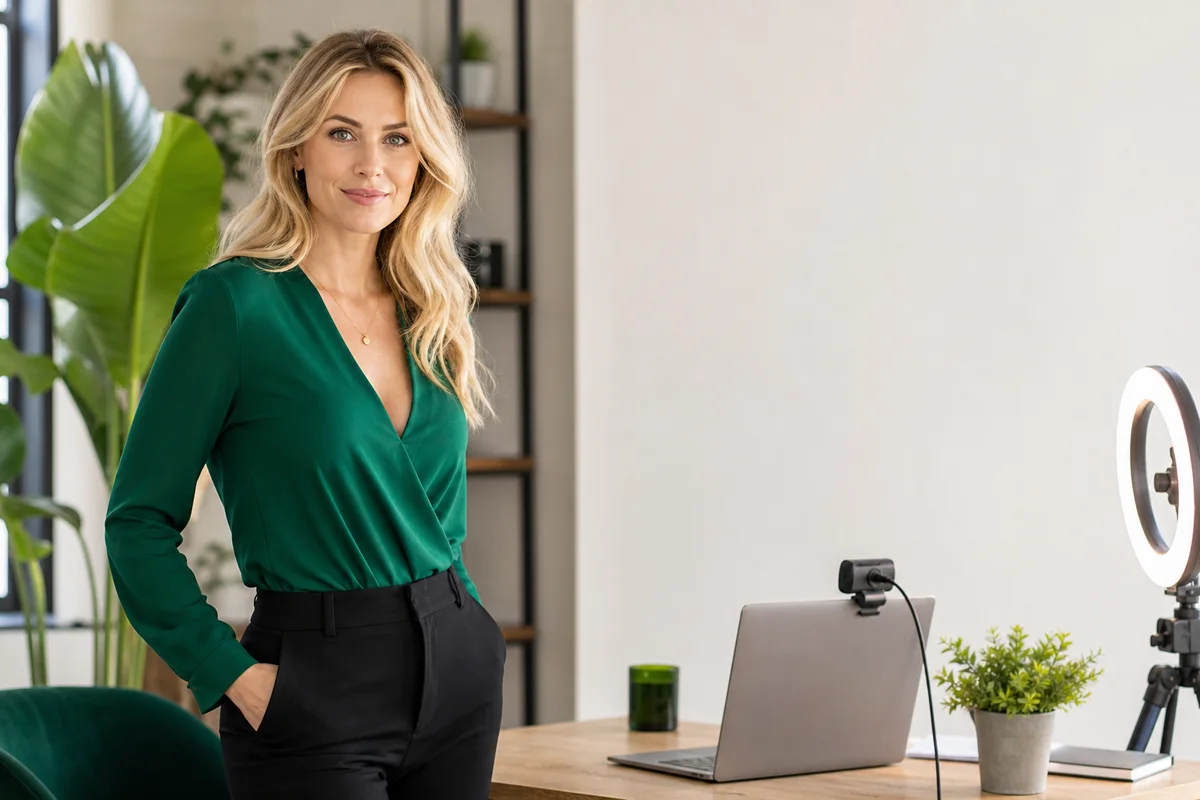
Strong content pages should feel visual, confident, and modern. I-CAMZ encourages models to think about lighting, camera framing, outfits, profile photos, and social-media style before going live so their account looks polished when new viewers find them.
The goal is not to be explicit. The goal is to look professional, approachable, and memorable while still keeping control over your privacy and comfort level.
Step-by-step plan
Start with a private room
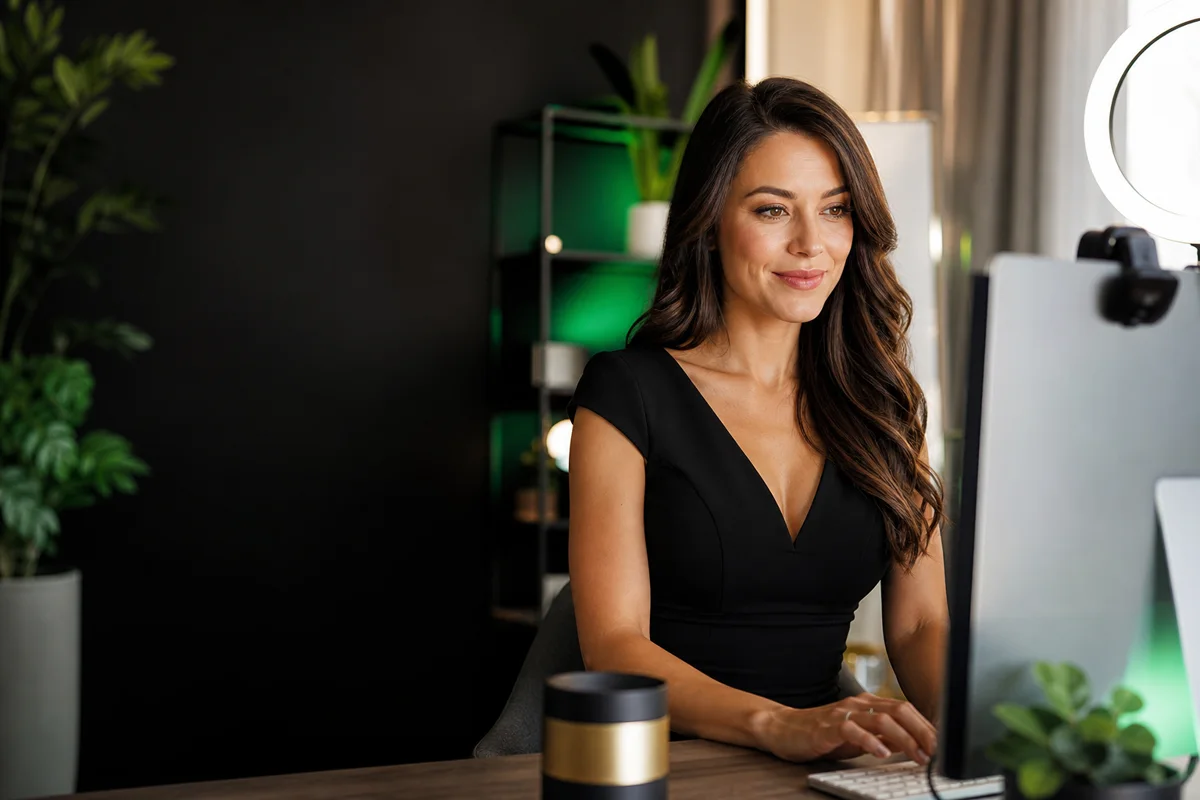
Choose a space where you can control noise, background, lighting, and interruptions. Remove anything that reveals your real identity or location.
Use reliable internet
A stable connection matters more than almost anything else. If possible, use a wired connection or stay close to your router to reduce freezes and drops.
Use an HD webcam or strong camera
Clear video helps viewers stay engaged. A laptop camera can work for some beginners, but an external HD webcam often creates a better picture.
Improve lighting before buying more gear
Good lighting can make a basic camera look much better. Face a soft light source, avoid harsh shadows, and keep the background from being brighter than your face.
Prepare your model-only accounts
Equipment is not only hardware. You should also have a model-only email, stage name, performer social accounts, and a simple place to save payout and tax records.
Essential webcam model equipment
The essentials are a private room, stable internet, a computer or approved streaming device, an HD webcam, clear lighting, working audio, and a clean background.
You do not need to buy everything at once. Start with the items that affect stream quality and privacy the most, then upgrade as you learn what matters for your room and style.
Room setup and privacy checklist
Before going live, look at your camera view carefully. Remove mail, photos, certificates, school names, workplace logos, street views, medication bottles, or anything else that could identify you.
A simple background is usually better than a cluttered one. The goal is to look polished while keeping control of your private information.
Lighting and camera tips
Place lighting in front of you rather than behind you. If your background is brighter than your face, viewers may see a dark image even if the room feels bright in person.
Keep the camera stable, check framing before going live, and avoid angles that show more of the room than intended.
Software, accounts, and records
Use a model-only email address and a private stage name. Keep payout, tax, and support messages organized so setup questions do not get lost.
If you promote on social media, keep those accounts separate from personal accounts and use PG-13 content that points people toward your model identity.
Quick checklist
- Private room with a controlled background.
- Reliable high-speed internet connection.
- Computer or approved streaming device.
- HD webcam or clear camera.
- Soft lighting in front of your face.
- Working microphone or headset.
- Model-only email address and stage name.
- No identifying items visible on camera.
- Payment and tax record folder ready.
- Basic first-stream schedule planned.
How I-CAMZ helps models earn more
- Weekly payouts help models stay motivated and see progress faster.
- New models do not need experience, and beginner-friendly onboarding helps remove confusion.
- Privacy is protected, so your real information is not shown to customers, other models, or referring agents.
- US models can use Direct Deposit, and international models can use international wire transfer via Veem where available.
- The team helps with setup details so models can focus on consistency, promotion, and getting live.
How to use this guide without getting overwhelmed
Do not try to change everything in one day. The fastest way to stall is to read a long guide, feel like every detail has to be perfect, and never go live. Pick one setup improvement, one privacy improvement, and one promotion habit to work on first.
After that, measure progress by behavior you can control: how many times you went live, whether you promoted before going live, whether your profile is clearer, and whether you protected your private information. Earnings matter, but the habits that create earnings usually show up first.
I-CAMZ is useful because the business side does not have to be a mystery. When payout setup, privacy expectations, and application steps are clear, you can spend more energy on the things that actually improve performance: consistency, presentation, conversation, and promotion.
Your next practical step
If you are serious about starting, choose one action to complete today. That might be creating your model-only email, writing your first schedule, cleaning up your streaming background, or starting the I-CAMZ application. Momentum matters. A small finished step is more useful than a perfect plan that never turns into a live session.
Extra tips to use this week
Upgrade lighting first
Lighting is often the fastest and cheapest way to improve video quality.
Test before going live
Check camera angle, audio, lighting, and background before your first real stream.
Keep backup basics nearby
Have a charger, water, notes, and any safe props ready so you do not need to leave the room.
Protect your location
Watch for windows, reflections, packages, and background items that reveal where you are.
Common questions
Do I need expensive equipment to become a webcam model?
No. A private room, stable internet, clear camera, and good lighting are more important than buying expensive gear immediately.
Is a laptop camera enough?
It may be enough to start, but an external HD webcam can often improve picture quality.
What should I remove from my room before streaming?
Remove anything that shows your real name, address, location, workplace, school, family, or private life.
Should I create a separate email?
Yes. A model-only email helps protect privacy and keeps setup, support, payment, and account messages organized.
Helpful next steps
Choose the guide that answers your next question before you apply.
Ready to start earning from home?
Apply now with I-CAMZ. The application takes you through the details we need to review your account and help you move toward your first live stream.
Sign Up Now